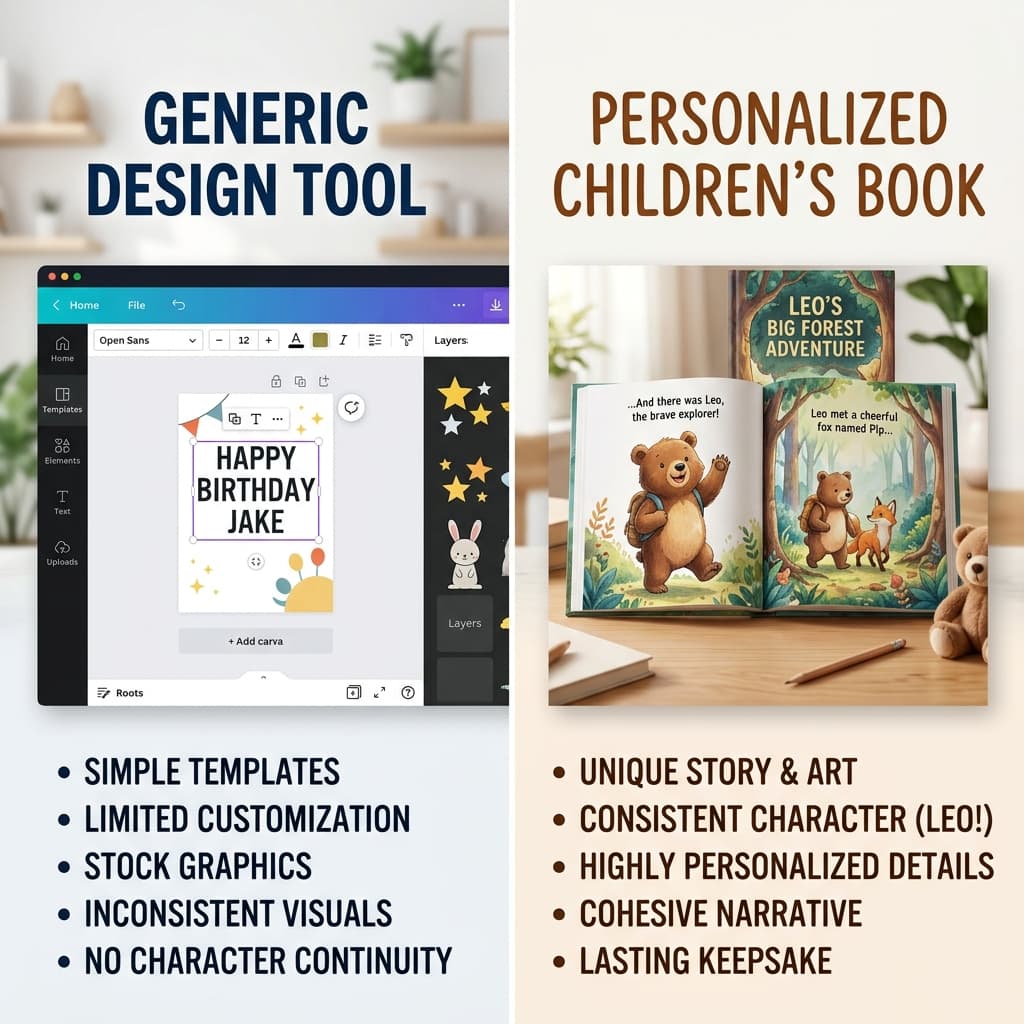
I use Canva almost every day. It’s arguably the best design tool ever made for non-designers. But lately, I’ve seen people trying to use it to create 20-page personalized storybooks.
If you’ve tried it, you know exactly where the wheels fall off: Consistency.
The "Different Person" problem
Canva's Magic Studio is great at generating one-off images. If you need a picture of a dragon for a poster, it’s perfect.
But if you need that same dragon on page 5, page 12, and page 20, you’re in trouble. Canva generates each image in a vacuum. By the middle of your "book," your main character usually looks like a distant cousin of the person on the cover.
For a 4-year-old, that’s not the same story anymore. They’ll look at it and ask, "Why did he change?"
At MintMyStory, we built "Character Anchoring" specifically because we were tired of this. We lock the hero’s face and features so they stay the same for the whole adventure.
Writing vs. Designing
Canva is a design tool. It gives you a blank canvas and some templates. You still have to do the heavy lifting of writing the story, managing the flow, and making sure the text doesn't overlap the art.
MintMyStory is a storytelling engine. You give us an idea, and we handle the plot, the pacing, and the layout. We even add professional-grade narration because reading a book on a screen is better when it talks back to you.
The Reality
If you're making a one-page "Happy Birthday" poster with a cool AI image, use Canva. It's faster and more flexible.
But if you're trying to create a cohesive, 20-page narrative where your child is the hero, MintMyStory is the only way to do it without losing your mind.
| Feature | Canva | MintMyStory |
|---|---|---|
| Same Hero on Every Page | No (Usually changes) | Yes (Locked) |
| Automatic Plotting | No (You write it) | Yes (Story Wizard) |
| Voice Narration | No | Yes (Built-in) |
| Format | Static Image/PDF | Interactive + PDF |
If you want to spend more time reading and less time fighting with pixels, give our wizard a try.