The book my daughter won't let go of
My daughter has a shelf full of beautiful picture books. She ignores most of them. The one she pulls out every night is a weird little story about a cat who delivers pizza on the moon. I wrote it for her in about ten minutes using MintMyStory, and the main character has her name and her favorite color (purple, always purple).
That one story turned into two, then five. Now we have a small library of stories she helped create, and she treats them like prized possessions. Not because the writing is perfect (it isn't), but because they're hers.
This post is about how to build that kind of library for your family, step by step, and how to share it so grandparents, aunts, and cousins can read along from wherever they are.
Why a "family library" works better than one-off stories
A single personalized story is a nice gift. A growing collection of them changes how your kid thinks about reading.
Here is what I noticed after we hit about five stories:
- My daughter started requesting specific plots. "Can we make one where I go to the bottom of the ocean?" She went from passive reader to co-author.
- Rereading went through the roof. She cycles through her library the way adults binge a TV series. She knows every page of every story by heart.
- Relatives started asking for the link. My mom reads her the stories over FaceTime from 8,000 miles away. That was worth the whole thing by itself.
The trick is that a library creates a habit. One story is an event. Ten stories is a routine.
How to build yours (the practical version)
Step 1: Pick your first three themes
Don't overthink this. Ask your kid what they want a story about. If they're too young to articulate it, think about what they point at, talk about, or pretend to be.
Some starting points that have worked for us:
- Something they're currently obsessed with (dinosaurs, trucks, mermaids, whatever it is this week)
- A real event, retold as adventure (the time they "helped" bake cookies, the trip to the zoo)
- A fear they're working through (the dark, a new school, sleeping alone)
Three stories is enough to feel like a real collection without being overwhelming.
Step 2: Create the stories on MintMyStory
Go to mintmystory.com/create and write a simple prompt. You don't need to be a writer. Something like:
"A 4-year-old girl named Priya who loves purple finds a friendly dragon hiding in her backyard garden. They go on an adventure to find the dragon's lost egg."
That's it. The AI handles illustrations, page layout, and audio narration. The whole thing takes about two minutes per story.
A few things I've learned about prompts:
- Be specific about the character. Age, name, one or two physical details. This helps the illustrations stay consistent.
- Give them a small problem to solve. Not "save the world," more like "help a lost puppy find its way home." Kids connect to problems they can imagine solving.
- Keep it short. The best prompts are two or three sentences. If you're writing a paragraph, you're overcomplicating it.
Step 3: Publish and share your profile link
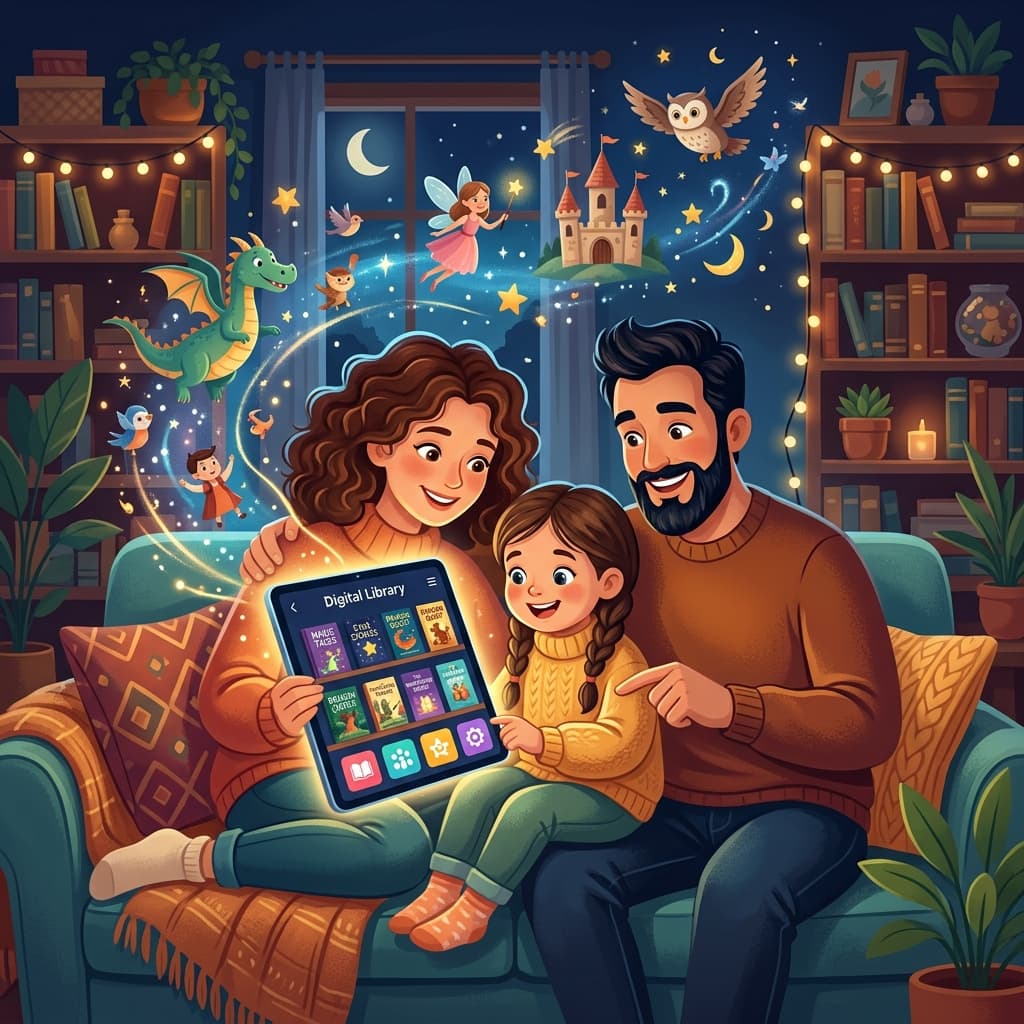
Every MintMyStory account gets a public profile page at mintmystory.com/@yourusername. This is your family's bookshelf.
When you publish a story, it shows up on your profile automatically. You can then share that single link with anyone. Grandma doesn't need to download an app or create an account. She just opens the link, picks a story, and reads (or listens to the audio narration).
This is the part most people miss: the profile page is the product. It turns your stories from files on your phone into a sharable library that family can browse anytime.
To set up your profile:
- Sign up for a free account
- Create your first story
- Hit "Publish" to make it public
- Copy your profile URL (
mintmystory.com/@yourusername) and send it to family
Making it a family tradition
The families I hear from who get the most out of this aren't the ones who made one perfect story. They're the ones who made it a recurring thing.
Some patterns that seem to stick:
Saturday morning stories. One family told me they create a new story together every Saturday while eating breakfast. The kid picks the topic, the parent writes the prompt, and they read the finished story together. Takes maybe fifteen minutes total.
Birthday books. Instead of (or alongside) a birthday card, you create a story where the birthday kid is the hero. We did this for my nephew's 5th birthday and he talked about it for weeks.
Travel journals. After a family trip, turn the highlights into a story. "The time we went to the beach and found a crab" becomes a ten-page illustrated adventure. It's a better souvenir than most of the stuff you'd buy in a gift shop.
Grandparent collaborations. If grandparents are far away, have them suggest a story idea over the phone. You create it, publish it, and they can read it back to the kid on their next video call. It gives them something to do together that isn't just waving at a screen.
What about the audio?
Every story on MintMyStory comes with AI-generated audio narration. I was skeptical about this at first, but it solves a real problem.
My daughter sometimes wants to "read" her stories independently. She's four, so she can't actually read yet, but she can press play and follow along with the pictures while the narration reads to her. It's like having a patient reader available at any time.
It also helps at bedtime when I'm too wiped out to read with full enthusiasm. (I feel no shame about this. Parenting is tiring.)
The narration quality varies. Some stories sound great, others are a bit flat in places. But the kids don't seem to notice or care. They're focused on the story and the pictures, not grading the voice acting.
Sharing with family who aren't tech-savvy
This comes up a lot: "My parents can barely use their phone, how will they read digital books?"
The profile page is just a website. If they can open a link in a text message and tap on a picture, they can use it. There's no login required for reading, no app to install, nothing to configure.
I text my mom the link to our profile page, and she bookmarked it on her phone's home screen. Now she opens it like an app and browses through the stories whenever she wants. She calls it "Priya's bookshelf."
Starting small is fine
You don't need to build a huge library overnight. Start with one story. See if your kid connects with it. If they do, make another one. If they suggest ideas for the next one, you're on the right track.
The library builds itself once the habit clicks. And the profile page means every story you create is automatically organized and sharable, without you doing any extra work.
Create your first story here and see where it goes.