A second-grade teacher's experiment
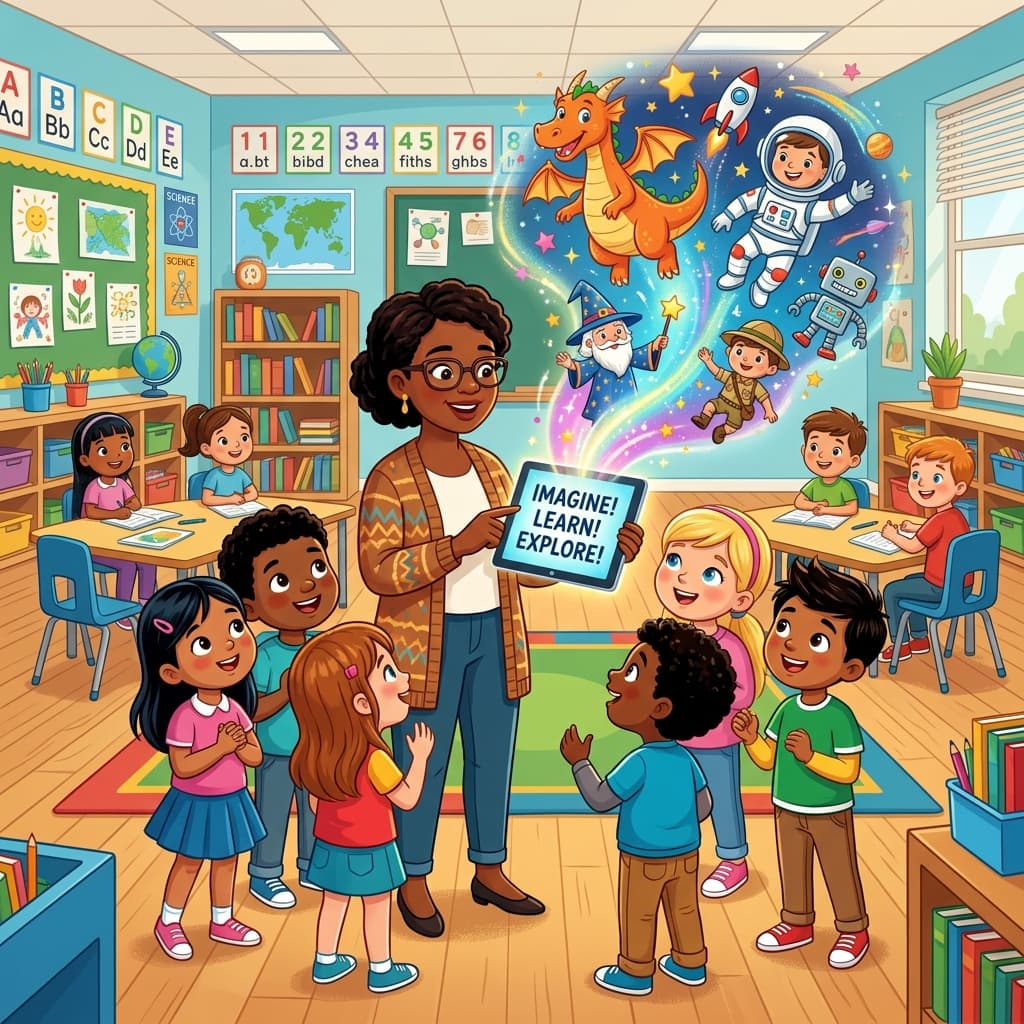
Last spring, a second-grade teacher named Ms. Delgado emailed us about something she'd been trying in her classroom. She was using MintMyStory to create personalized stories for each student, one per week, featuring them as the main character in whatever topic they were studying.
When the class was learning about the water cycle, she made a story about each kid shrinking down to ride a raindrop through evaporation and condensation. When they were doing a unit on community helpers, each student got a story where they spent a day as a firefighter, a mail carrier, or a veterinarian.
She said two things surprised her. First, the reluctant readers started reading voluntarily. Second, parents kept asking her where the stories came from because the kids wouldn't stop talking about them at home.
This post is about what she (and a handful of other teachers we've talked to) figured out about using AI stories in a classroom setting.
Why it works in a classroom
Personalized books aren't new. But the old version cost $20-40 per book, took weeks to arrive, and you could only customize the name and maybe a hair color. That doesn't scale to a class of 25 kids.
AI generation changed the math. A teacher can create a custom story in two or three minutes and it costs nothing on the free tier. That makes it practical to create one for every student, not just as a special occasion thing.
The educational angle is straightforward: kids pay more attention to stories about themselves. There is research backing this up (the Self-Reference Effect), but honestly you don't need a study to know it. Watch a kid's face when they hear their own name in a story. That's all the evidence you need.
How to set up a classroom library
Create a teacher account
Sign up at mintmystory.com/login. Your profile page (mintmystory.com/@yourclassname) becomes your classroom bookshelf. Parents and students can visit this page to browse and read all the published stories.
Some teachers use their own name. Others create an account with the class name, like @msdelgado-2b or @room12-stories. Either works.
Write stories tied to curriculum
The stories that work best in a classroom aren't random adventures. They're connected to what you're actually teaching.
Here are some real examples from teachers who've shared their approaches with us:
Science units. A story about a student who travels inside a volcano to learn about igneous and sedimentary rocks. The prompt doesn't need to be long:
"A curious 7-year-old named Jamal puts on a magic helmet and shrinks down to explore the inside of a volcano. He meets friendly rock creatures who explain how different types of rocks form."
Social studies. A student visits a different country and learns about the culture, food, and geography. This works especially well when you have students from different backgrounds. A kid whose family is from Guatemala gets a story set there, using details the student shared with the class.
Reading comprehension. Retell a classic fairy tale but with the student as the main character. Cinderella becomes a story about Sofia going to a school dance, and the glass slipper becomes her favorite sneaker. The kids find it hilarious, and you can use it to teach story structure.
Social-emotional learning. Stories about handling a conflict with a friend, dealing with a bully, or being nervous about a test. These are harder to find in standard curriculum materials, and personalizing them makes them feel less like a lecture.
Share with parents
This is where the profile page earns its keep. Instead of printing stories or emailing PDFs, you send parents one link: your classroom profile URL.
Parents can open it on their phone, pick their kid's story, and read it together at home. The audio narration means kids can also listen independently if a parent is busy.
Ms. Delgado sends the link in her weekly newsletter. She said parent engagement with the newsletter went up noticeably after she started including new stories, because parents actually had a reason to click.
What teachers have told us works (and what doesn't)
What works
One story per student per unit. Not every day, not every week necessarily. Tying stories to curriculum units (roughly one every two to three weeks) keeps it special without burning you out.
Letting students suggest plot details. "What should happen when your character finds the treasure map?" Getting students involved in the prompt makes them more invested. One teacher does this as a five-minute warm-up activity.
Reading the stories aloud as a group. Before publishing to the profile, some teachers read the story to the whole class. The featured student gets to sit in a special chair. The other kids love it because they know their turn is coming.
Using stories as writing prompts. After reading their personalized story, students write a sequel or an alternate ending. This bridges the gap between reading and writing in a way that doesn't feel like homework. (For specific prompt ideas, see our guides for 3rd Graders, 4th Graders, and Year 3 (UK)).
What doesn't work as well
Trying to create all the stories in one sitting. It's tempting to batch-create 25 stories on a Sunday afternoon. But the prompts get generic when you're tired, and the stories feel less personal. Better to do three or four at a time over the course of a week.
Over-promising to parents. One teacher told parents she'd make a new story every week. She burned out by October. Set a pace you can maintain.
Ignoring the audio narration. Some teachers skip the narration feature because they prefer reading aloud themselves. That's fine for classroom time, but the narration is what makes the stories useful at home, especially for families where the parents aren't confident readers in English.
Privacy and permissions
If you're using student names in stories, check your school's policy first. Most schools allow first names only (no photos, no last names) in educational materials shared with parents, but policies vary.
MintMyStory doesn't require photo uploads. The AI generates illustrations from text descriptions, so you're not uploading any student images. You describe the character ("a 7-year-old boy with brown skin and curly black hair who wears glasses"), and the AI draws it.
Some teachers ask parents to sign a simple permission slip at the start of the year. Others use nicknames or let students pick character names for their stories. We've seen both approaches work.
Getting started
If you want to try this in your classroom:
- Create a free account
- Pick one student and one topic you're currently teaching
- Write a two-sentence prompt and generate the story
- Read it to the class and see how they respond
If the kids light up (and they usually do), make another one. Build from there.
The profile page means everything you create is automatically collected in one place. Share that link with parents at your next conference or in your newsletter, and let the stories do the talking.